BTTB 7's Ultra Comfort Condom 3D
The BTTB 7 Ultra Comfort Condom 3D is a significant upgrade from the BTTB 6 Ultra Comfort Condom. While the previous version relied on a 2D texture applied to the penis, BTTB 7 introduces actual 3D geometry with transparent materials and realistic baked lighting textures.
Requirements
- WickedWhims - Required for the condom system to function.
Installation
- Download BTTB 7 Ultra Comfort Condom 3D.
- Extract the files to your The Sims 4 Mods folder:
/Documents/Electronic Arts/The Sims 4/Mods
How to Use
Option 1: Live Mode
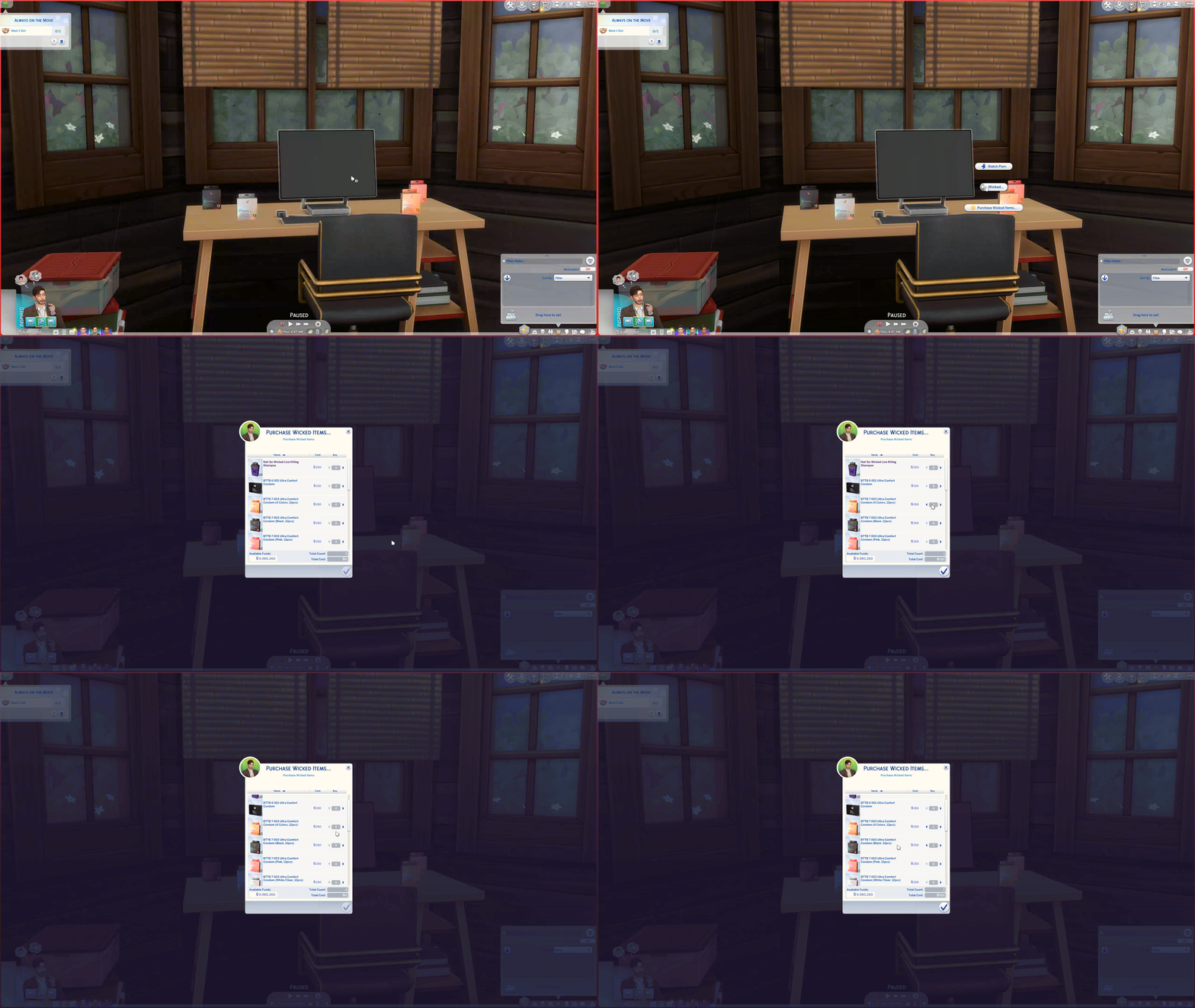
- Enter Live Mode.
- Click on any Computer.
- Select Wicked... > Purchase Wicked Item.
- Select any condom box you want. The condoms will be delivered to your Sim's mailbox. (Delivery may take some time).
Option 2: Build Mode
- Enter Build Mode (F2).
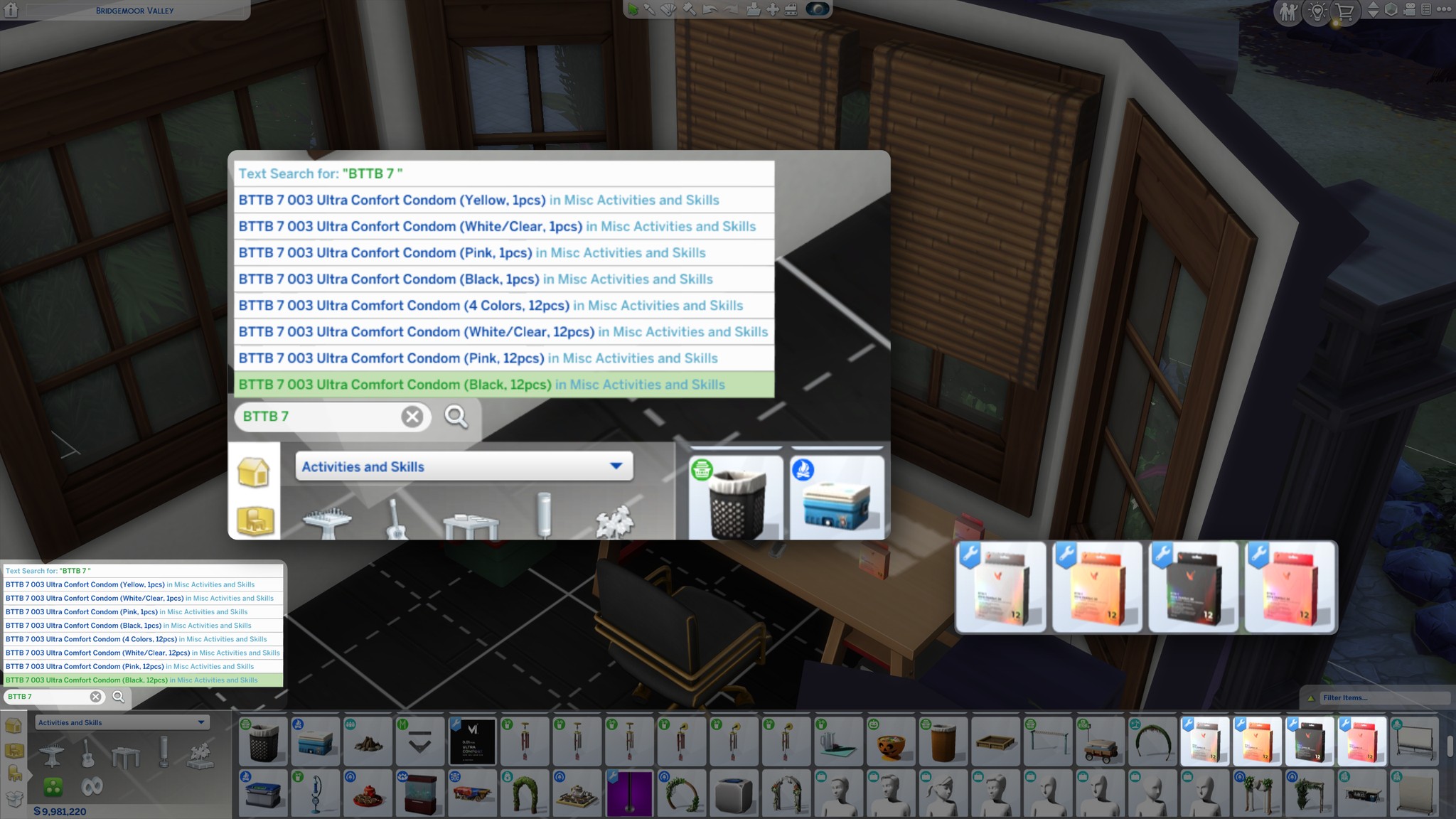
- Navigate to Activities & Skills > Misc.
- Purchase the BTTB 7 Ultra Comfort Condom 3D box and drag it into your Sim's inventory.