BTTB 7 Core Slider V1 (Outdated)
BTTB 7 Core Slider and How to use it
Core Slider V1 is the first core slider for BTTB 7. It allows you to customize your genitalia freely. It affects fewer files (Body CAS Part) listed in WickedWhim's Body Selector.
Core Slider V1 still utilizes existing EA default sliders, specifically Thigh and Lower Leg. If you have any other sliders installed that use the same area, they may conflict.
Installation
- Extract the .zip file.
- You will find Core Slider V1 in
..Core Slider V2 Advance\Old Core Slider\BTTB 7 Core Slider Penis+Testicles by BANK42n.package.disable. - Rename the file to
BTTB 7 Core Slider Penis+Testicles by BANK42n.package(Remove the.disablefrom the extension). - Copy and paste the Package file into your Mods folder in
Documents\Electronic Arts\The Sims 4\Mods\BTTB 7.
[!IMPORTANT]
- Core Slider V1 is only needed when you can't use
Core Slider V2 Advance.- You can only install 1 version at a time.
- Make sure to have
WickedWhimsinstalled.- Remove the new
BTTB 7 Core Slider V2 Advancebefore installingCore Slider V1.
How to Use
Enter Create-A-Sim (CAS) mode
Select a male Sim
Find BTTB 7 Erect or Soft bottom body part in the Bottom category and uncheck all search filters at the top
Adjust the penis as you want
See gif below to see how to use it.
List of Adjustable Sliders
Erect Penis, Soft Penis, and Testicle can be adjusted separately.
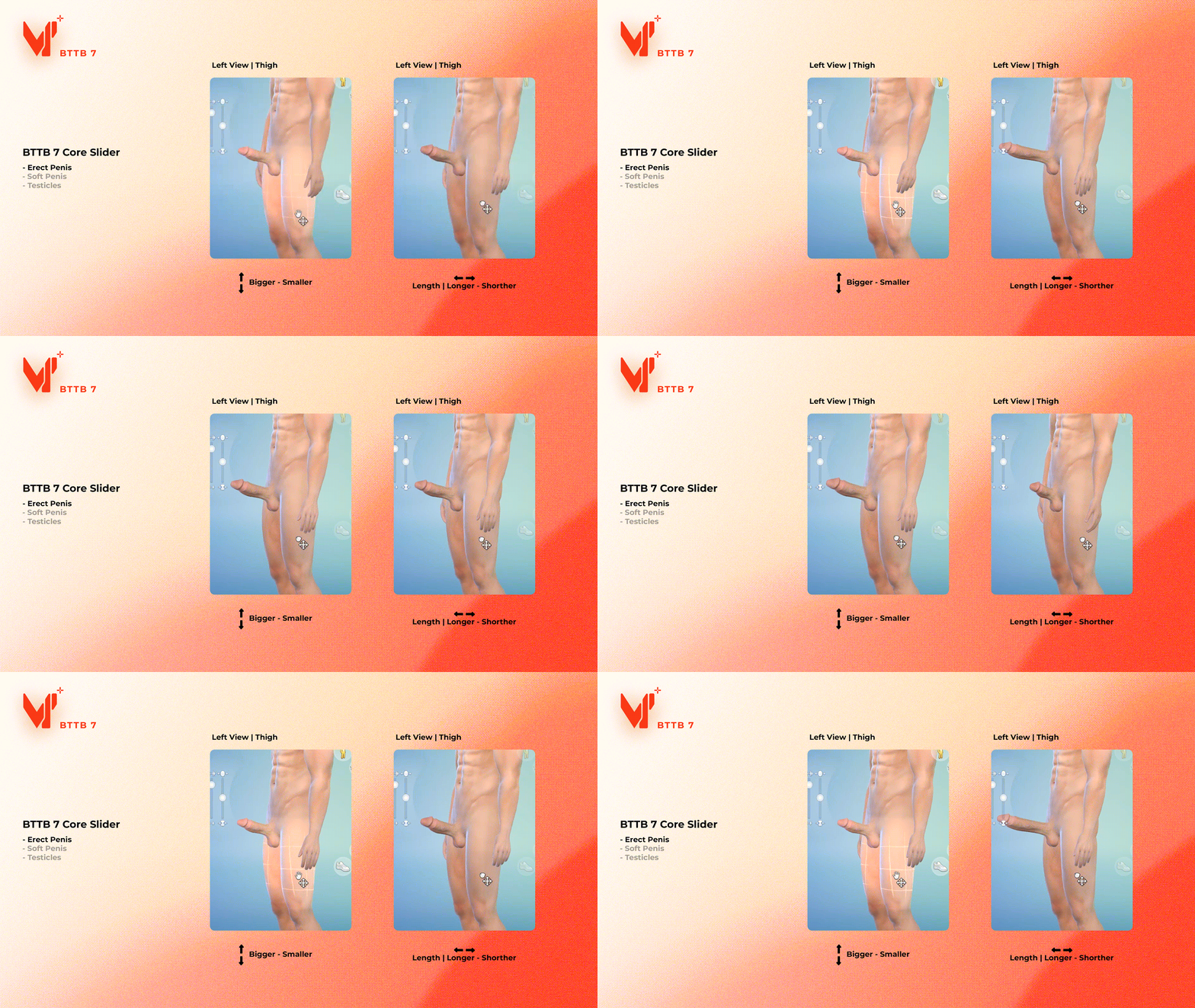
1. Erect Penis
In CAS, get your Sim undressed and wear BTTB 7 Erect, and then adjust the size of the penis following the below video.
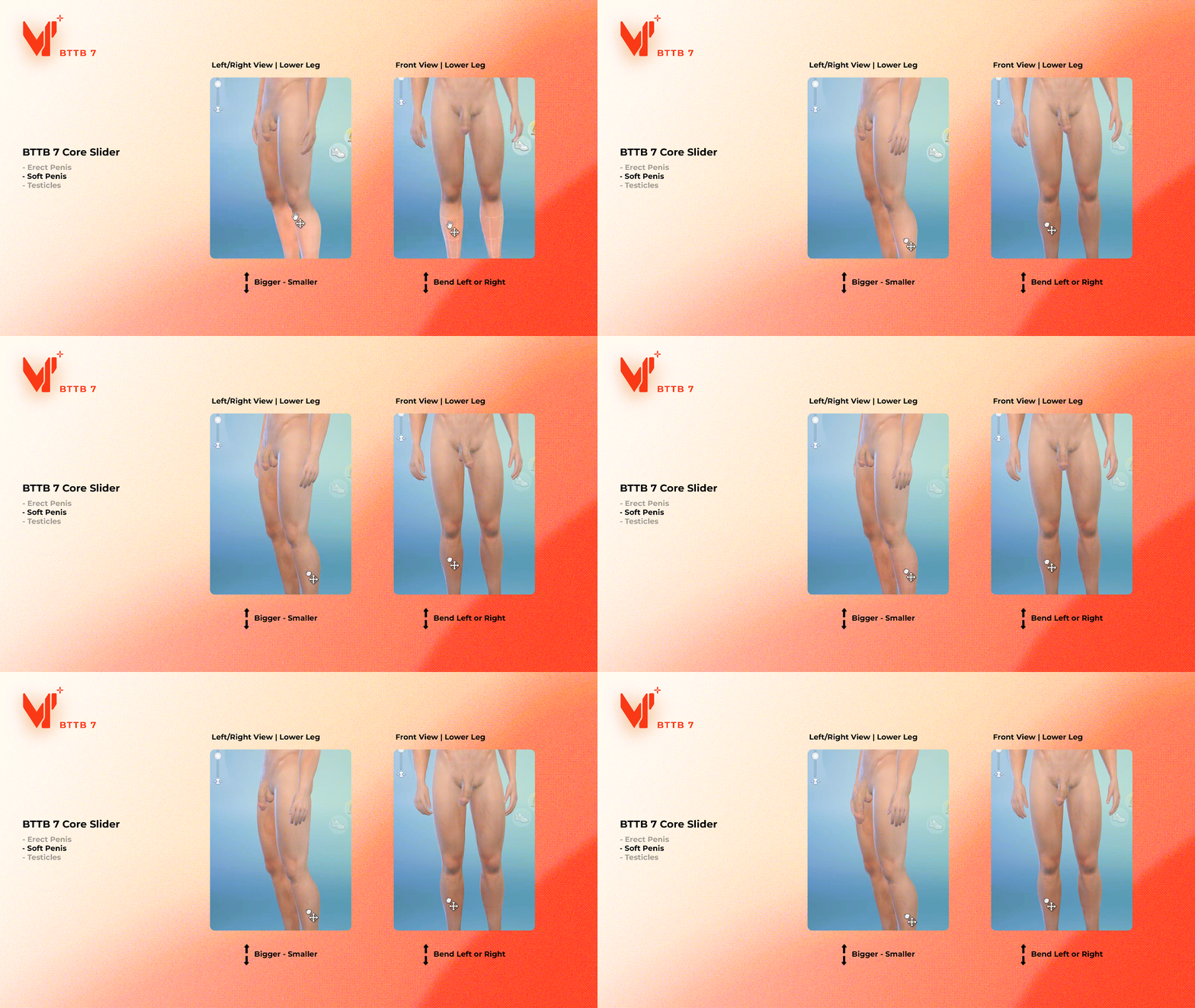
2. Soft Penis
In CAS, get your Sim undressed and wear BTTB 7 Soft, and then adjust the size/bending of the penis following the below video.
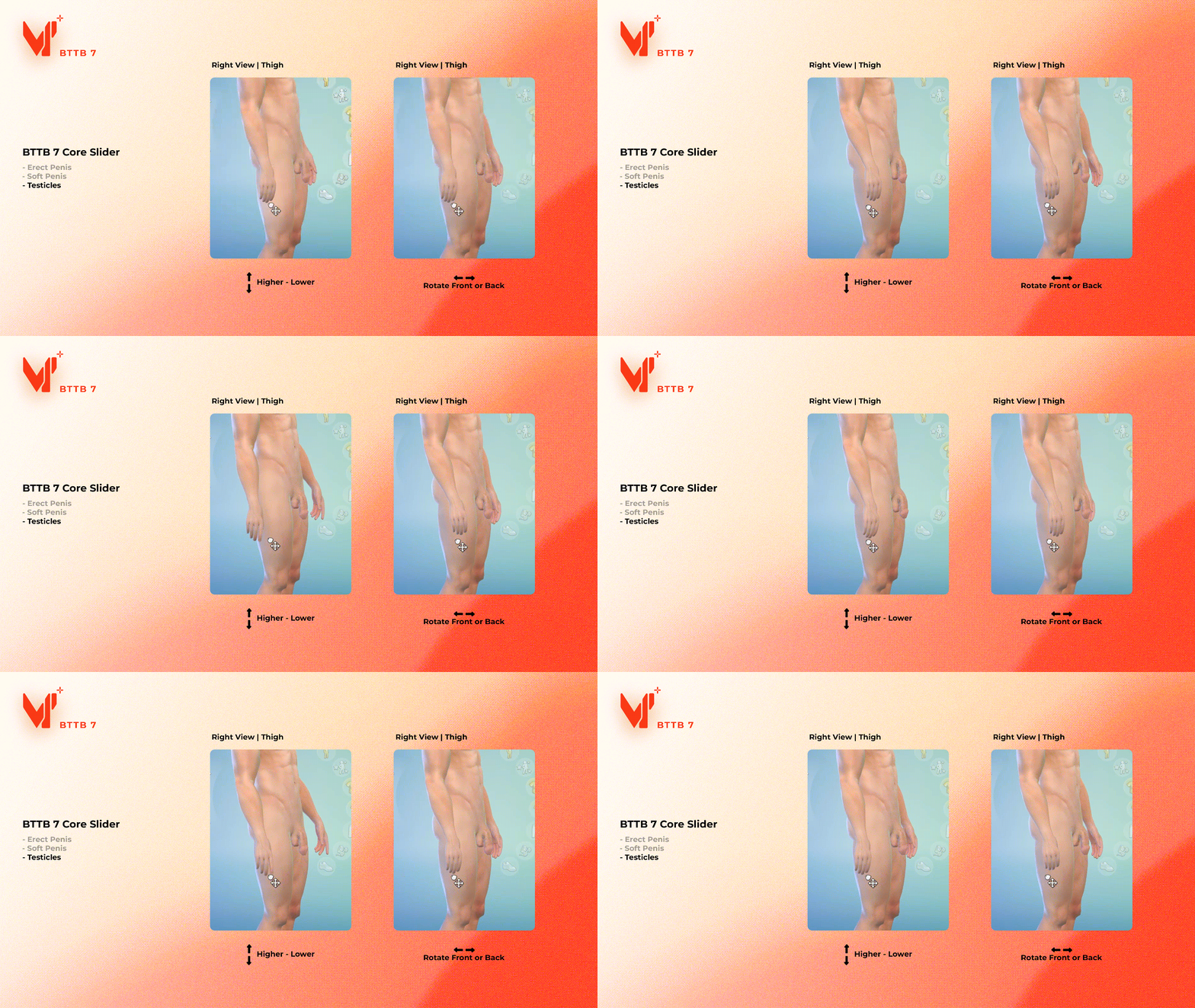
3. Testicles
In CAS, get your Sim undressed and wear BTTB 7 Soft or Erect, and then adjust the testicles following the below video.