Item media
SafeMode is concealing media marked as NSFW. Use the menu to reveal it.
SafeMode is concealing media marked as NSFW. Use the menu to reveal it.
SafeMode is concealing media marked as NSFW. Use the menu to reveal it.
SafeMode is concealing media marked as NSFW. Use the menu to reveal it.
SafeMode is concealing media marked as NSFW. Use the menu to reveal it.
SafeMode is concealing media marked as NSFW. Use the menu to reveal it.
BNX · 2022
BNX WTSH
BNX WTSH Wet T-Shirt for Men
Navigate
Edition
View
Thumbnails
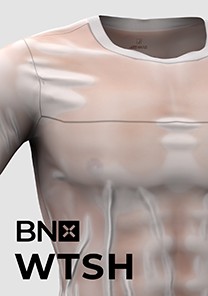
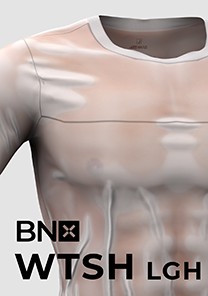
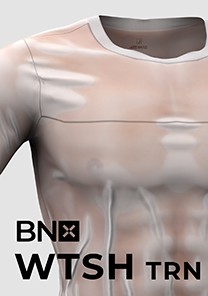
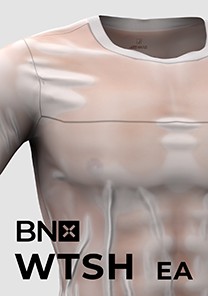
Download Options



Compatible file types:
- The Sims 4 (.package)
By continuing to an external provider or downloading, you agree to BANK42n’s Terms of Use.
Details
File Included:
1. T-Shirt
BNX WTSH EA Fit by BANK42n.package
BNX WTSH Normal Fit by BANK42n.package
2. Translucent Map
BNX WTSH Translucent Map (Wrist-Left) by BANK42n.package
BNX WTSH Translucent Map (Wrist-Right) by BANK42n.package
Can be found as Wrist in CAS left or right.
BNX WTSH Translucent Map (Necklace) by BANK42n.package
Can be found as Necklace in CAS.
3. Translucent Map Brightness Control
BNX WTSH Light Map (Ring-Right) by BANK42n.package
BNX WTSH Light Map (Ring-Left) by BANK42n.package
Can be found as Ring in CAS left or right.
How to install:
1. Copy and paste .Package file into Mods folder in Documents\Electronic Arts\The Sims 4\Mods
2. You can found Translucent Map and Translucent Map Brightness Control in multiple categories in CAS if you install all package file. You can remove some files and leave only one .Package of each Translucent Map and Translucent Map Brightness Control to save you disk space.
Recommended Skin Tone:
Edition Information
- CAS compatibility
- Adult Male
- Swatches & variants
- 6 Base T-Shirt Color, 5 level adjustable translucent map with 2 variant, 5 level adjustable translucent map brightness control with 2 variant.
- Texture size
- 4096 × 8192 px
- In-game maximum
- 2048 × 4096 px